
1 查看tensorflow版本
1.1 进入对应的环境
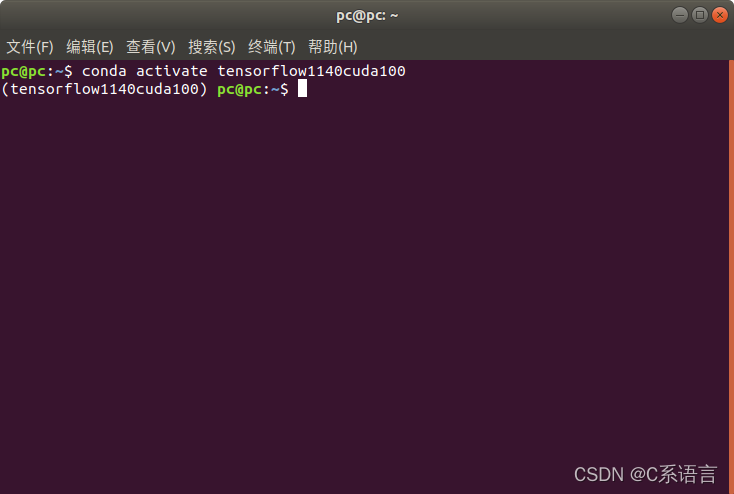
打开终端、进入对应的虚拟环境,我的是tensorflow1140cuda100
conda activate tensorflow1140cuda100
- 1
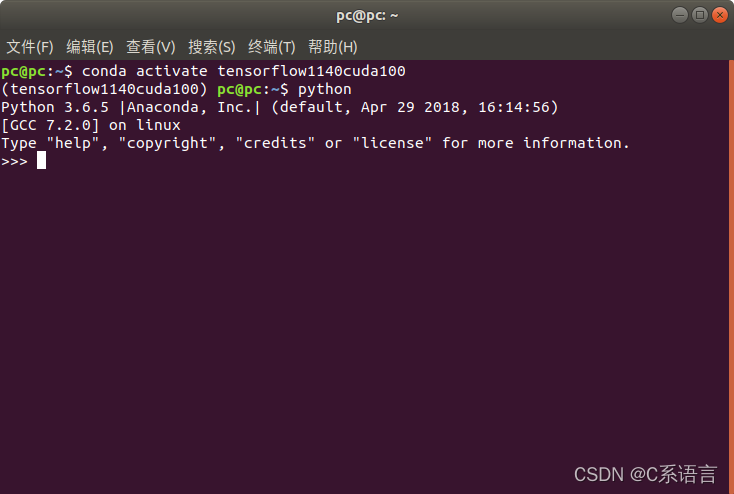
1.2 打开Python
python
- 1
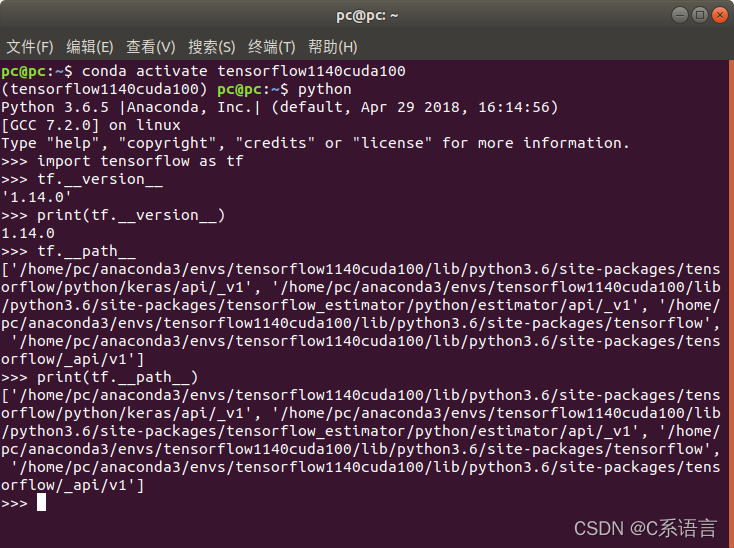
1.3 查看tensorflow版本、安装路径
import tensorflow as tf
tf.__version__        # 此命令为获取安装的tensorflow版本
print(tf.__version__) # 输出版本
tf.__path__			   #查看tensorflow安装路径
print(tf.__path__)
- 1
- 2
- 3
- 4
- 5
2 查看cuda版本、查看cudnn版本
2.1 进入对应的环境
打开终端、进入对应的虚拟环境,我的是tensorflow1140cuda100
conda activate tensorflow1140cuda100
- 1
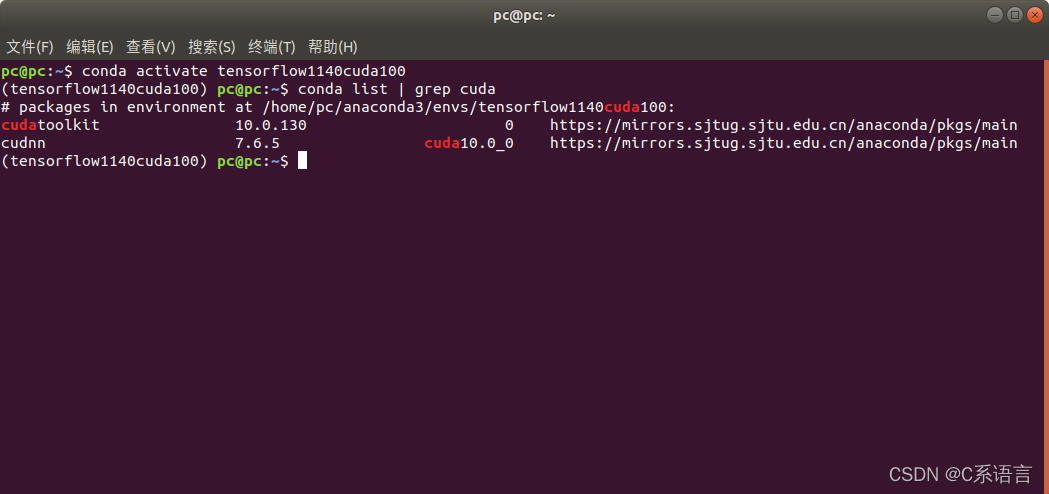
2.2 输入命令,查看cuda版本、cudnn版本
conda list | grep cuda
# 直接在终端里,打开相应环境,进行查看
- 1
- 2
3 查看GPU可用性
3.1 进入对应的环境
打开终端、进入对应的虚拟环境,我的是tensorflow1140cuda100
conda activate tensorflow1140cuda100
- 1
3.2 打开Python
python
- 1
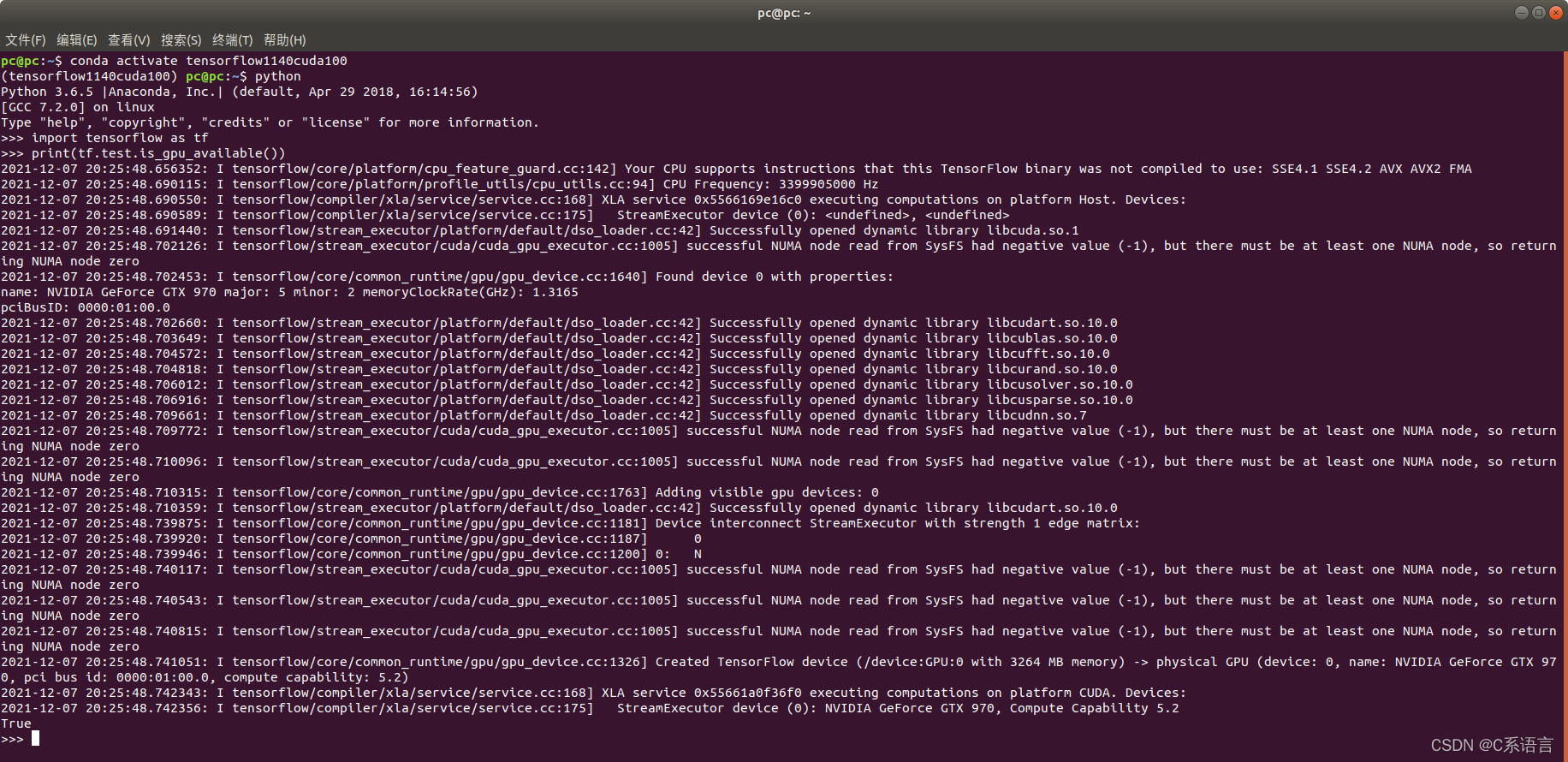
3.3 查看GPU可用性
import tensorflow as tf
print(tf.test.is_gpu_available())#如果结果是True,表示GPU可用
- 1
- 2
4 查看cuda可用性
4.1 进入对应的环境
打开终端、进入对应的虚拟环境,我的是tensorflow1140cuda100
conda activate tensorflow1140cuda100
- 1
4.2 打开Python
python
- 1
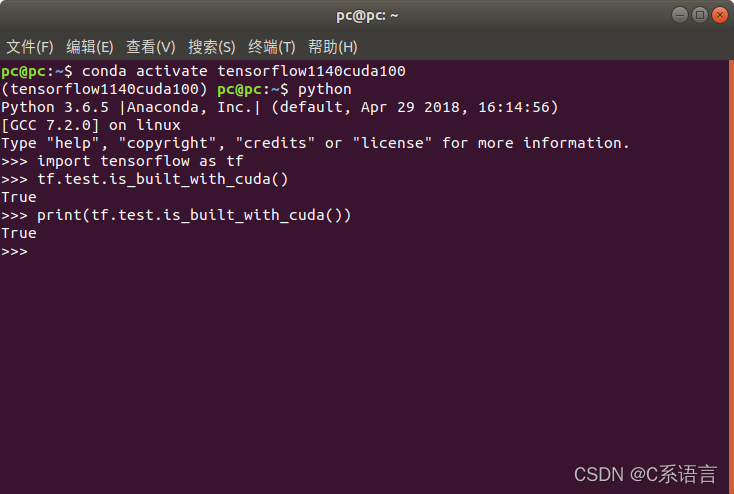
4.3 查看cuda可用性
import tensorflow as tf

tf.test.is_built_with_cuda()
print(tf.test.is_built_with_cuda())#返回true表示可用
- 1
- 2
- 3
- 4
评论记录:
回复评论: