
恩智浦NXP SC32K3系列芯片EB Tresos的License申请方法
文章目录
- 恩智浦NXP SC32K3系列芯片EB Tresos的License申请方法
- 1. 登录NXP官网
- 2. 搜索栏搜索“AUTOSAR“
- 3. 选择[AUTOSAR 4.3.x (Classic Platform) Software]
- 4. 选择[DOWNLOADS]
- 5. 选择[AUTOSAR 4.3 MCAL (QM) for S32K118 and S32K14x]
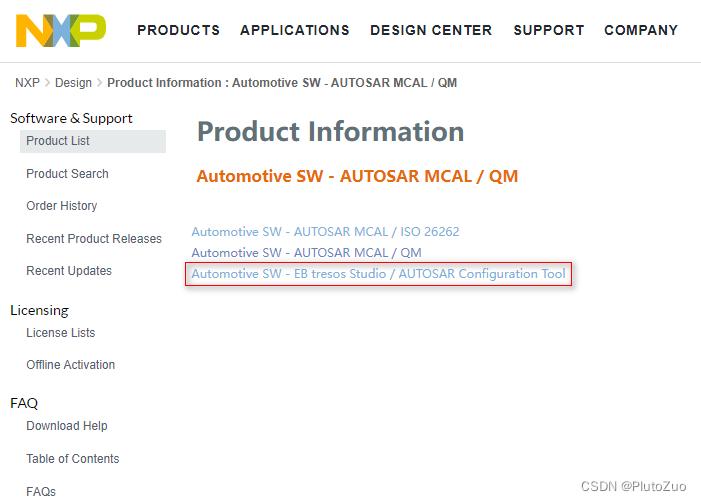
- 6. 选择[Automotive SW - EB tresos Studio / AUTOSAR Configuration Tool]
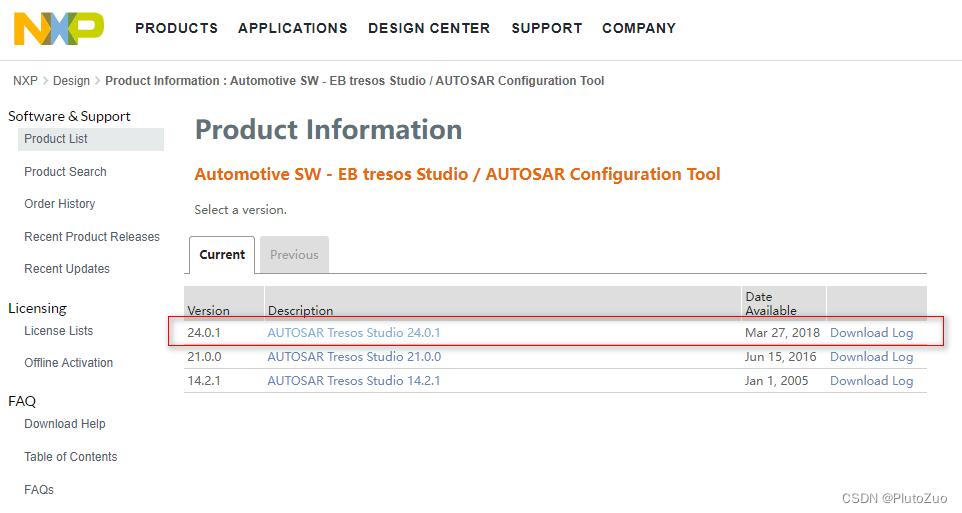
- 7. 选择[AUTOSAR Tresos Studio 24.0.1]
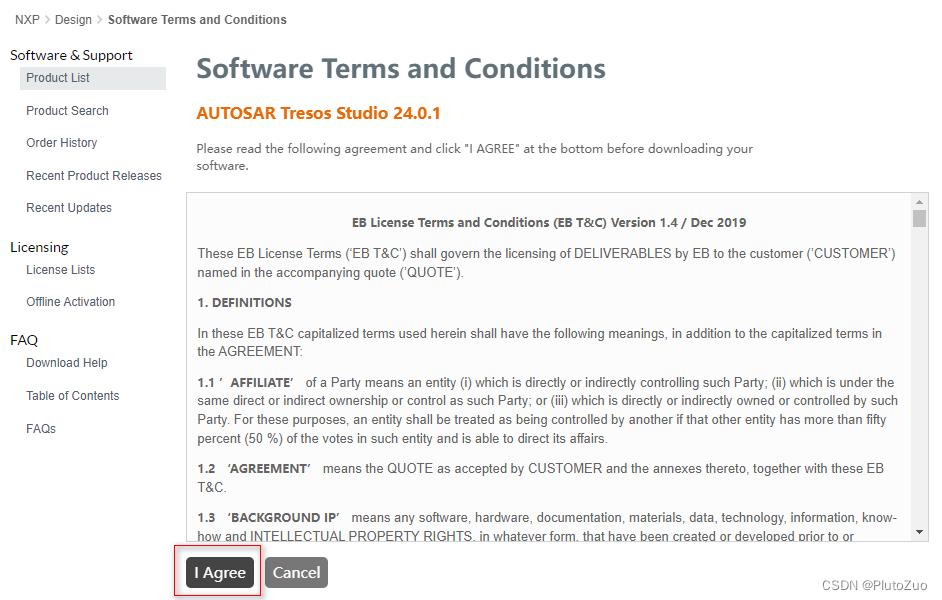
- 8. 选择[I Agree]
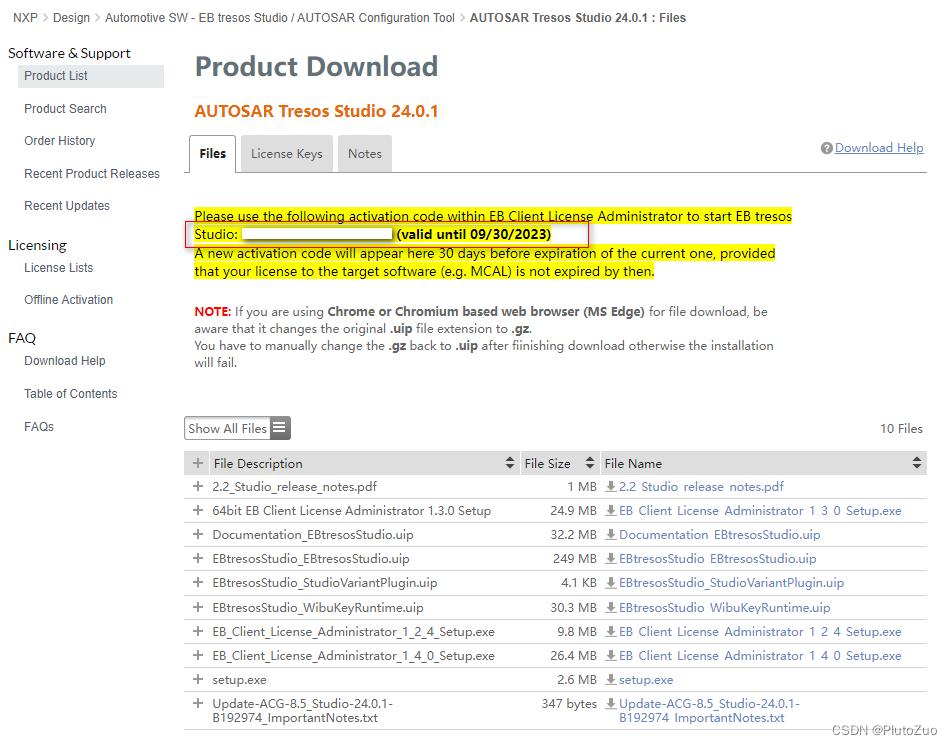
- 9. 界面出现License和限用日期
- 10. 打开已经安装好的EB Client License Administrator 1.4.3
- 11. 注册成功时会界面显示License信息
1. 登录NXP官网
登录恩智浦官网 https://www.nxp.com/

2. 搜索栏搜索“AUTOSAR“
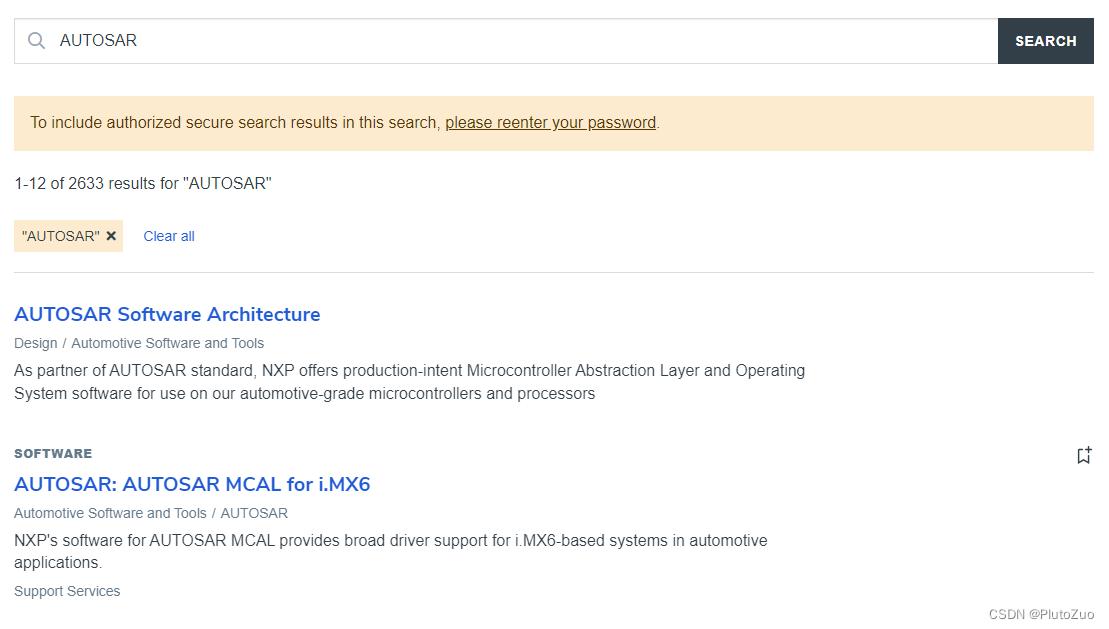
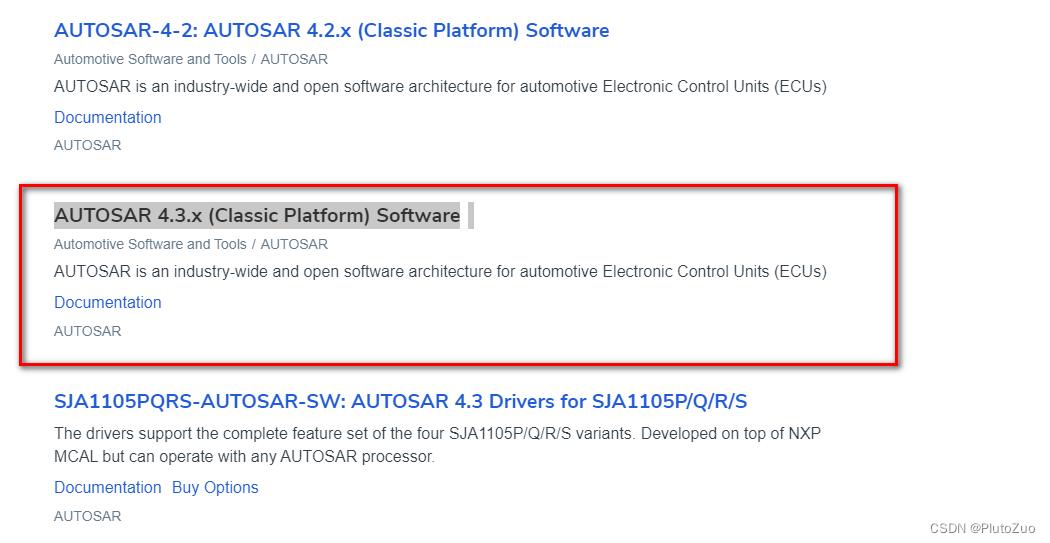
3. 选择[AUTOSAR 4.3.x (Classic Platform) Software]
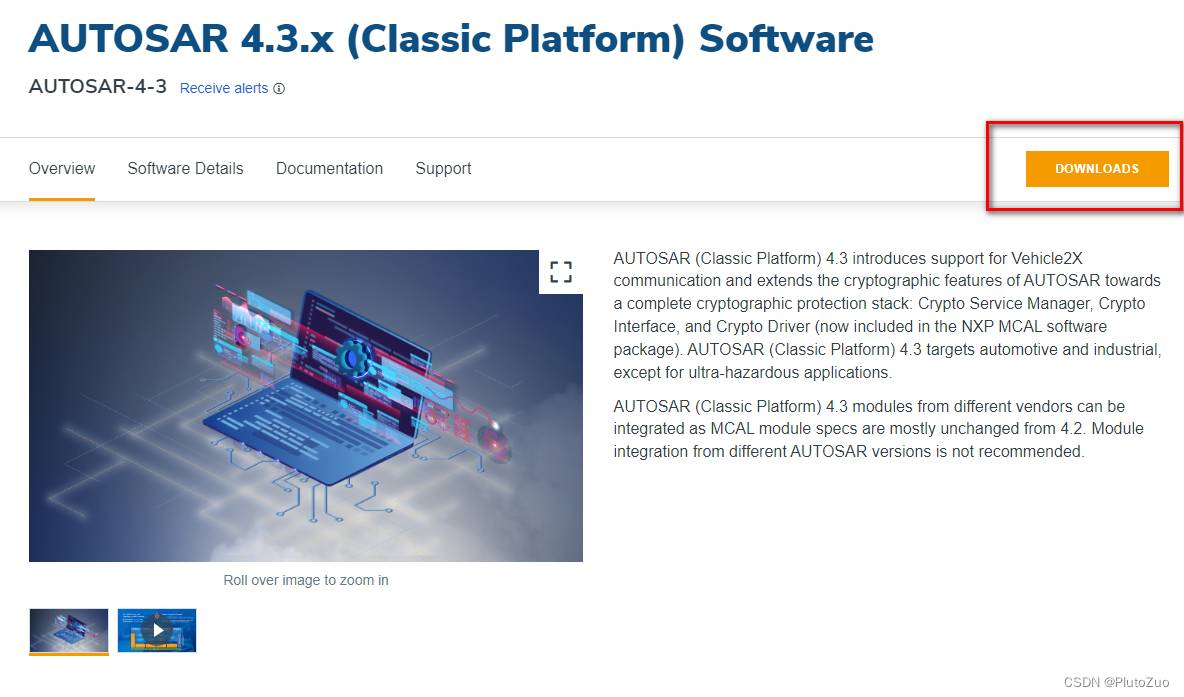
4. 选择[DOWNLOADS]
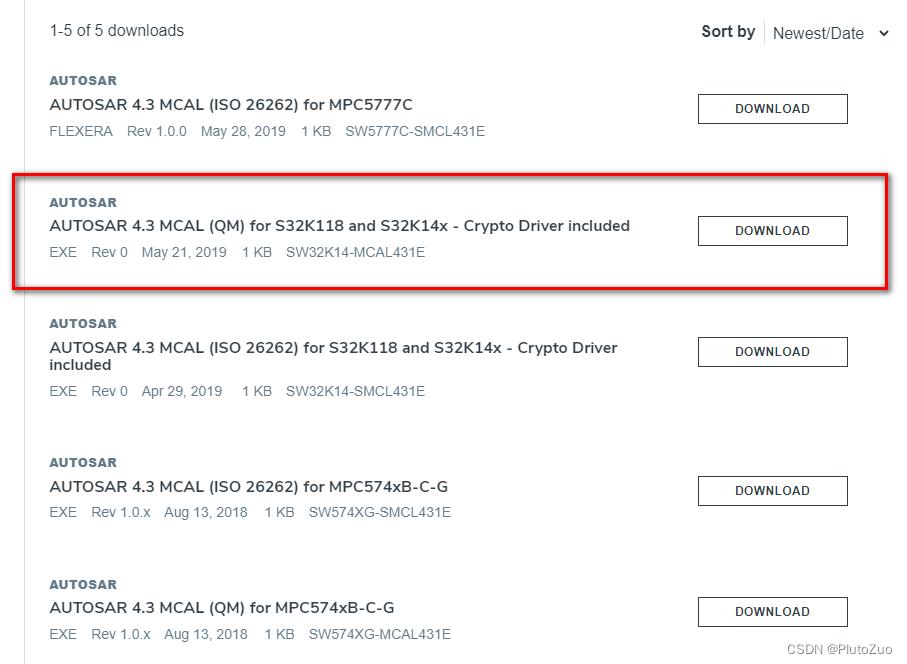
5. 选择[AUTOSAR 4.3 MCAL (QM) for S32K118 and S32K14x]
(因为没有找到S32K3,其实指向的下载链接都是一样的)
6. 选择[Automotive SW - EB tresos Studio / AUTOSAR Configuration Tool]
Automotive SW - EB tresos Studio / AUTOSAR Configuration Tool
7. 选择[AUTOSAR Tresos Studio 24.0.1]
8. 选择[I Agree]
9. 界面出现License和限用日期
记录好这个License,同时这里还有EB Tresos的下载链接,可以下载备用。
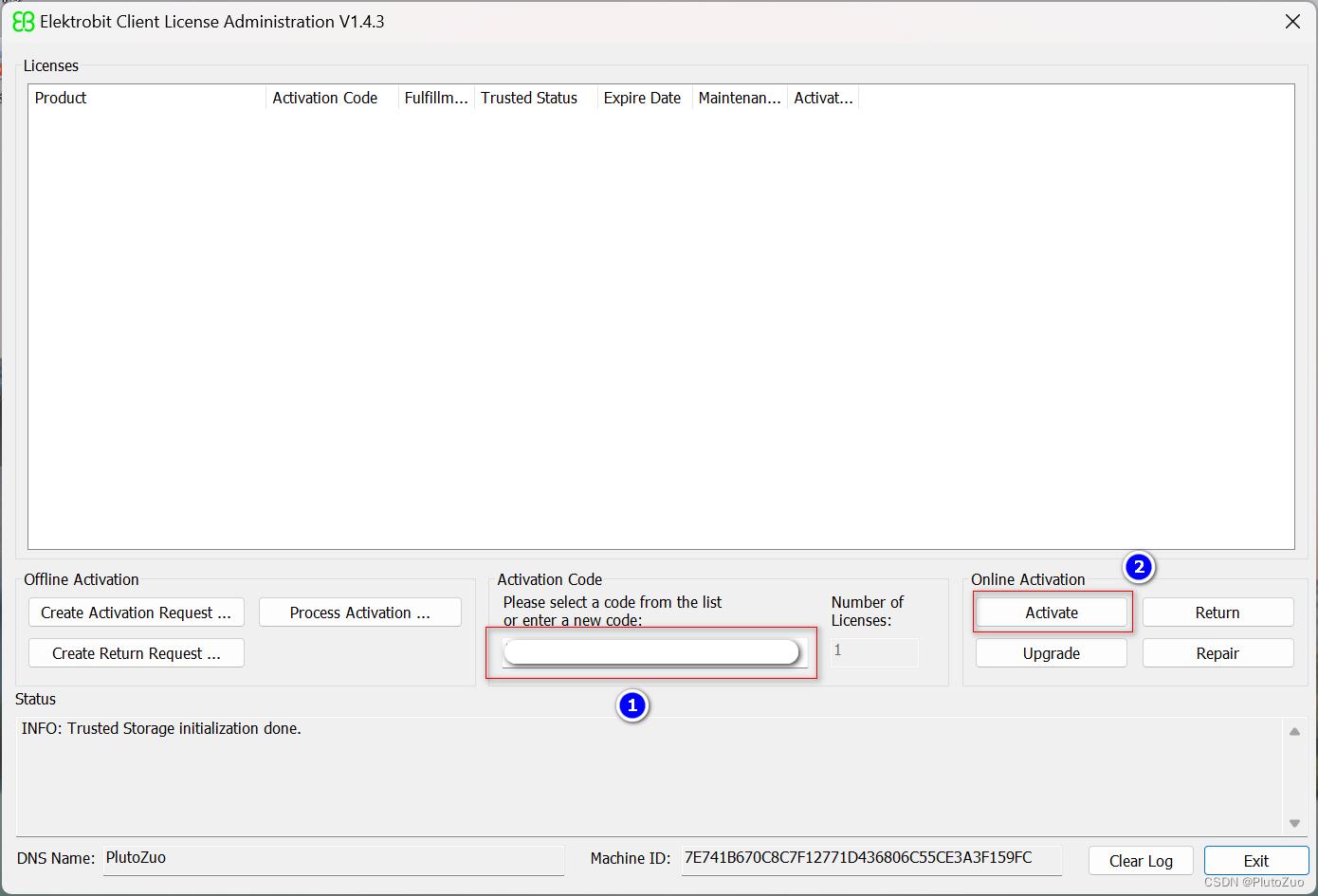
10. 打开已经安装好的EB Client License Administrator 1.4.3
在下图1处输入License,点击Activate即可注册成功
11. 注册成功时会界面显示License信息
![[外链图片转存失败,源站可能有防盗链机制,建议将图片保存下来直接上传(img-aeNqhHKm-1692325796631)(C:UsersadminAppDataRoamingTypora ypora-user-imagesimage-20230818102445476.png)]](https://img1.iyenn.com/img10/c4a7c45db2b2b25d/7039169986419498422.jpeg)
评论记录:
回复评论: